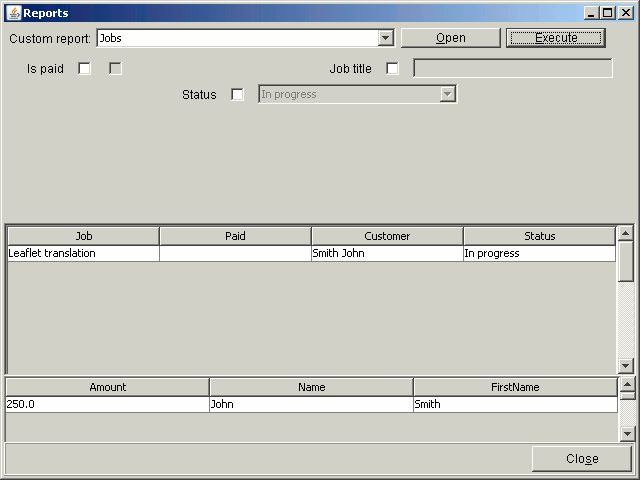
How to get here:
-start up the application, select in top menu Reports->Run or press Alt+M and then R keys.
In here you can run reports. To view a report, you need to open it, then fill all required and chosen
optional report parameters, and finally to run it.
To open a report, select it in "Reports" combo box, and then click "Open" button, or press the
Alt+O buttons.
When report is opened, all its parameters are displayed in the middle-top panel.
Parameters are displayed as set of label with parameter name, a checkbox that enables/disables
parameter (available if parameter is not required), and c control (checkbox, text box or combo
box) where you can enter/select value of a parameter.
To run the report, click the "Execute" button, or press Alt+E keys.