-start up the application, select a customer and click the Job List button or press Alt+j;
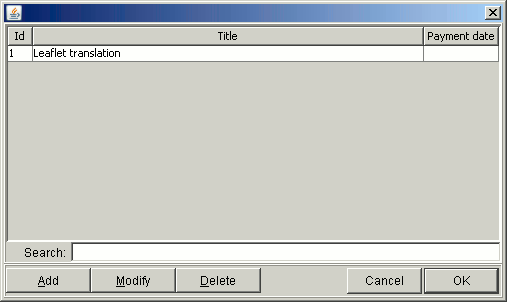
Job list window presents list of jobs provided for particular customer:
To search for a job, enter search phrase in "Search" edit box. System searches for all jobs with
search phrase within its title. Searching is automatic, just wait half a second after typing last
character.
You can add new job by clicking the Add button, or by pressing the Alt+a combination - you will
be brought to Add new/edit customer window.
To modify existing customer, select them in list and click the Modify button, or press the Alt+M
combination - again, you will be brought to Add/modify job window.
To delete a job, select it in list and click the Delete button, or press the Alt+D combination.
System will ask for confirmation - if you confirm, the job will be permanently deleted.